
2 min read
Join the IDX lead-routing pool and claim your ZIPs
Opt into round-robin assignment for inbound IDX leads, and declare the ZIP codes you actually serve.
Inbound IDX leads are handed out in rotation among the agents who opted in. If you are not in the pool, you do not get them.
The picker uses least-recently-assigned ordering, so whoever has waited longest is next. It is not weighted by production.
Step by step
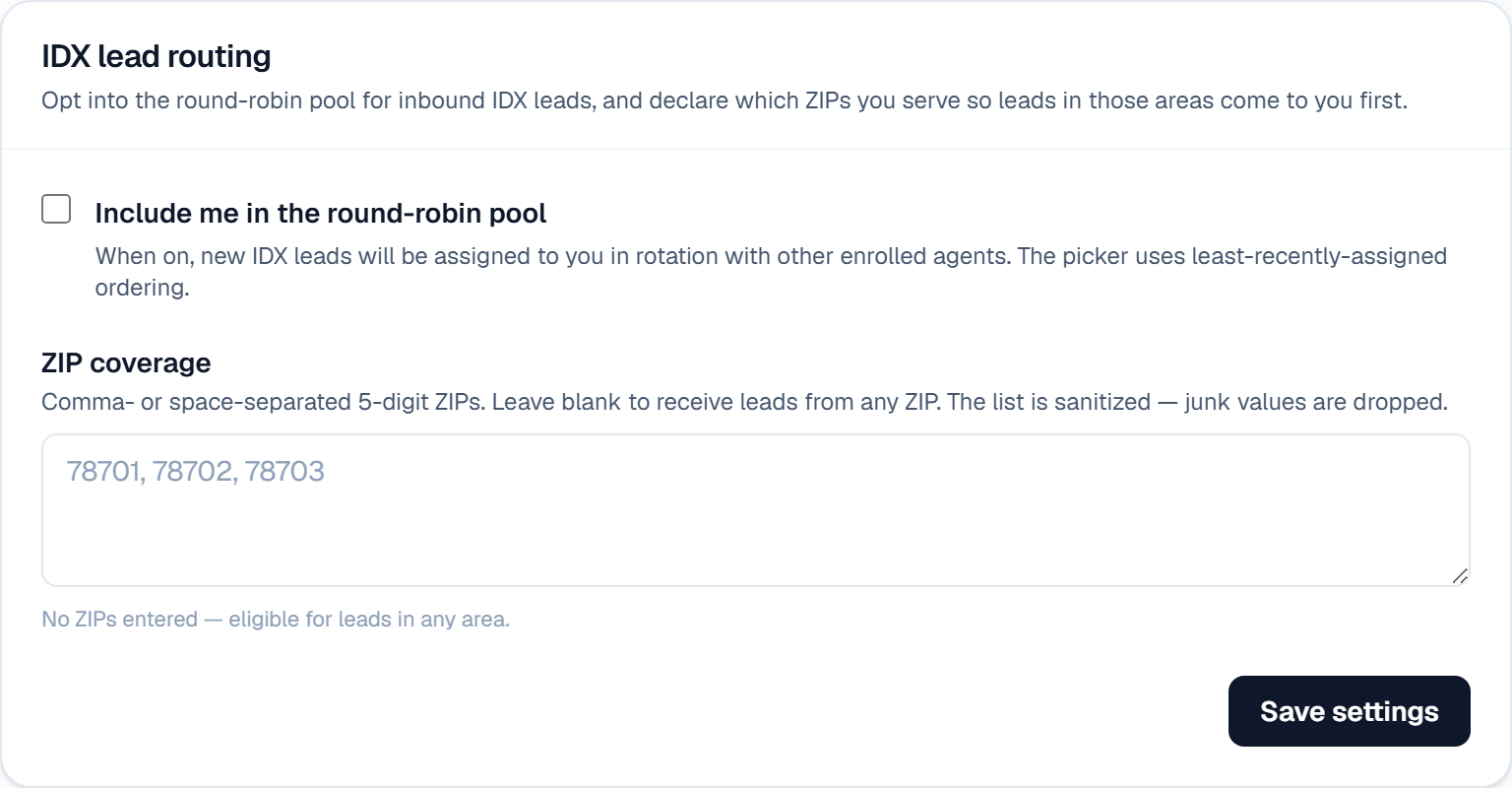
Open Settings → AI team and find IDX lead routing.
Turn on Include me in the round-robin pool.
In ZIP coverage, enter the 5-digit ZIPs you serve, separated by commas or spaces (for example: 78701, 78702, 78703). Leads in those ZIPs come to you first.
Leave ZIP coverage blank to stay eligible for leads from any area. ZIPs nobody covers fall through to the whole pool.
Click Save settings, then check the list reads back the way you expect — junk values are dropped automatically.
What it looks like
Related
Need help with something else? Browse all guides or email support.
