
2 min read
Turn on the sphere drip cadence
Auto-enroll your best past clients into a six-touch, ~30-day nurture cadence that runs in the background and honors your review policy.
Sphere drip auto-enrolls your high-leverage past clients and sphere contacts — the “both-high” cohort — into a six-touch nurture cadence spread over roughly 30 days, mixing SMS and email.
A daily job enrolls eligible contacts and an hourly job advances the cadence. Every message it produces honors your Review Policy and your DNC flags — turning this on does not start auto-sending.
Step by step
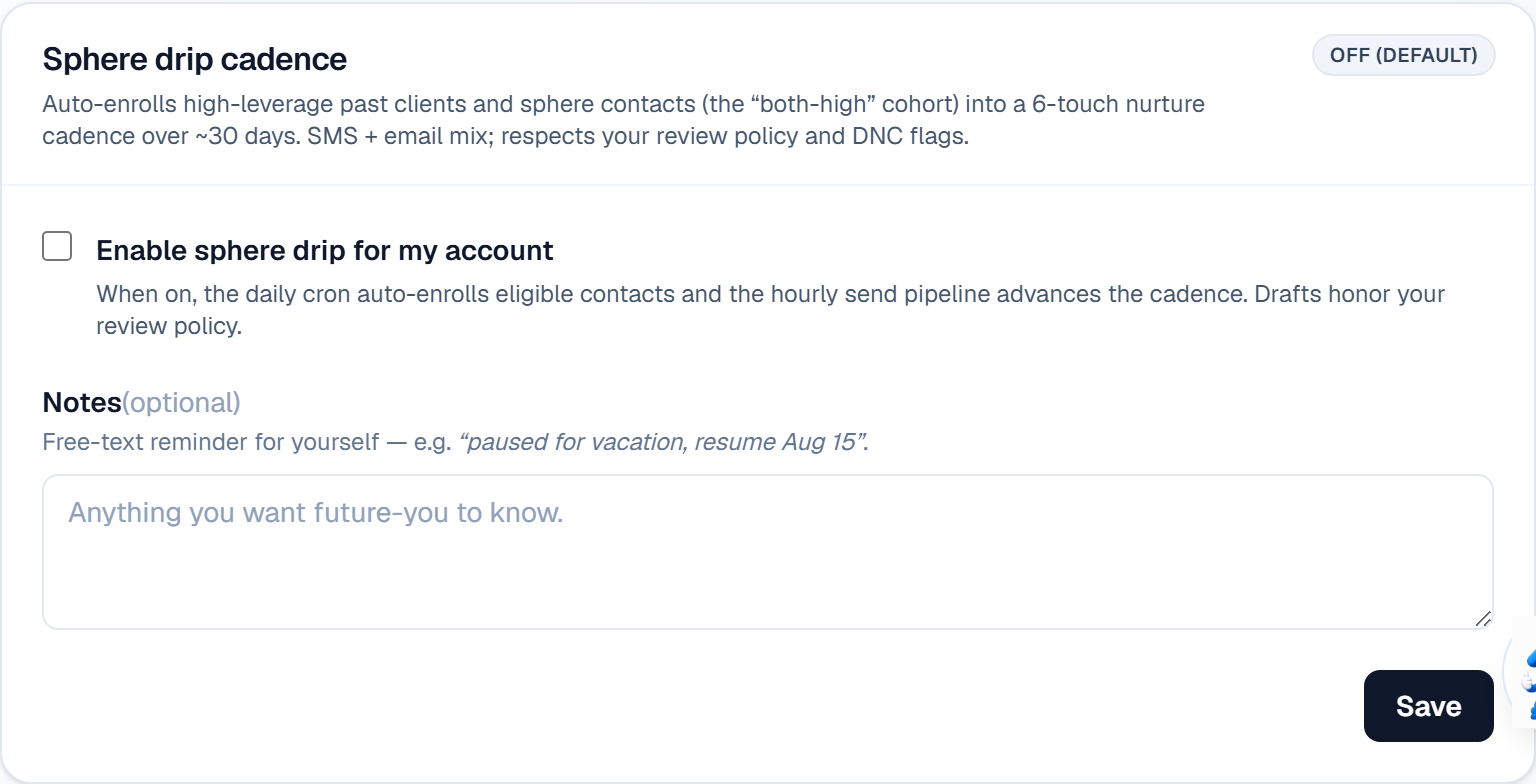
Open Settings → Messaging and find Sphere drip cadence.
Turn on Enable sphere drip for my account.
Use Notes to record why you set it the way you did — it is a free-text reminder for yourself, e.g. “paused for vacation, resume Aug 15”.
Save. Once saved, your explicit choice is locked in, and later pilot-allowlist changes will not override it.
Check your Review Policy before you walk away. If it is set to auto-send, drip messages go out without you seeing them first.
What it looks like
Related
Need help with something else? Browse all guides or email support.
