
2 min read
Choose which deal alerts you get
The daily task digest, the weekly growth digest, and the wire-fraud SMS you should leave switched on.
Three separate notifications, each independently switchable. One of them is a fraud control rather than a convenience.
Step by step
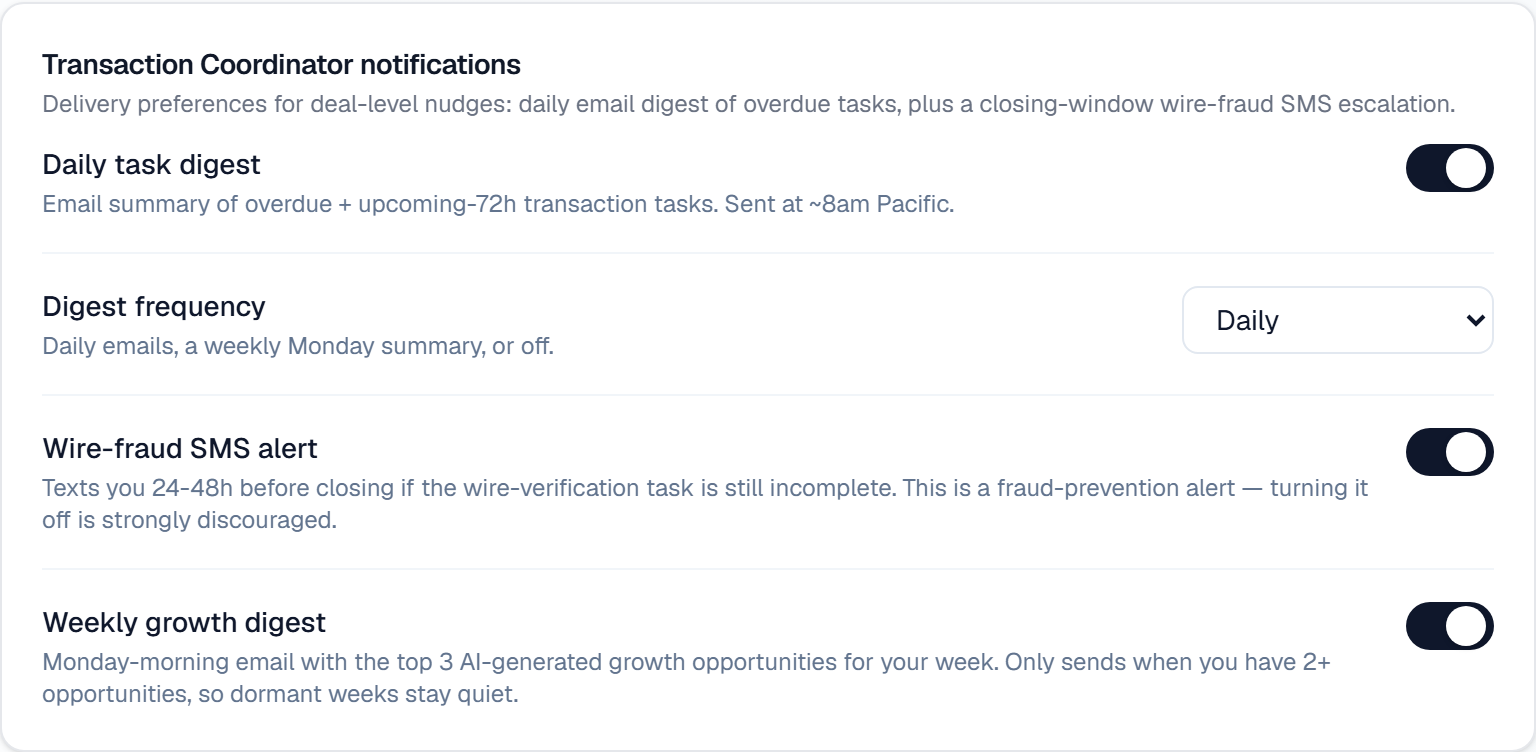
Open Settings → AI team and find Transaction Coordinator notifications.
Set Digest frequency for the daily task digest: Daily, Weekly (Monday), or Off. It emails your overdue tasks plus anything due in the next 72 hours, at around 8am Pacific.
Leave the Wire-fraud SMS alert on. It texts you 24–48 hours before closing if the wire-verification task is still incomplete. Turning it off is strongly discouraged.
Optional: turn on the Weekly growth digest for a Monday email with your top three AI-generated growth opportunities. It only sends when you have two or more, so quiet weeks stay quiet.
What it looks like
Related
Need help with something else? Browse all guides or email support.
