
3 min read
Set quiet hours and daily message limits
Stop the AI texting at 11pm. Set quiet hours, a per-contact daily cap, and the pause that stops the AI talking over you after someone replies.
Timing rules apply to every outbound SMS and email the AI sends, across every template and sequence. They override template-level settings, and where two rules disagree the most restrictive one wins.
These are the settings that keep automated follow-up from reading as spam. Getting them wrong is the fastest way to earn a STOP.
Step by step
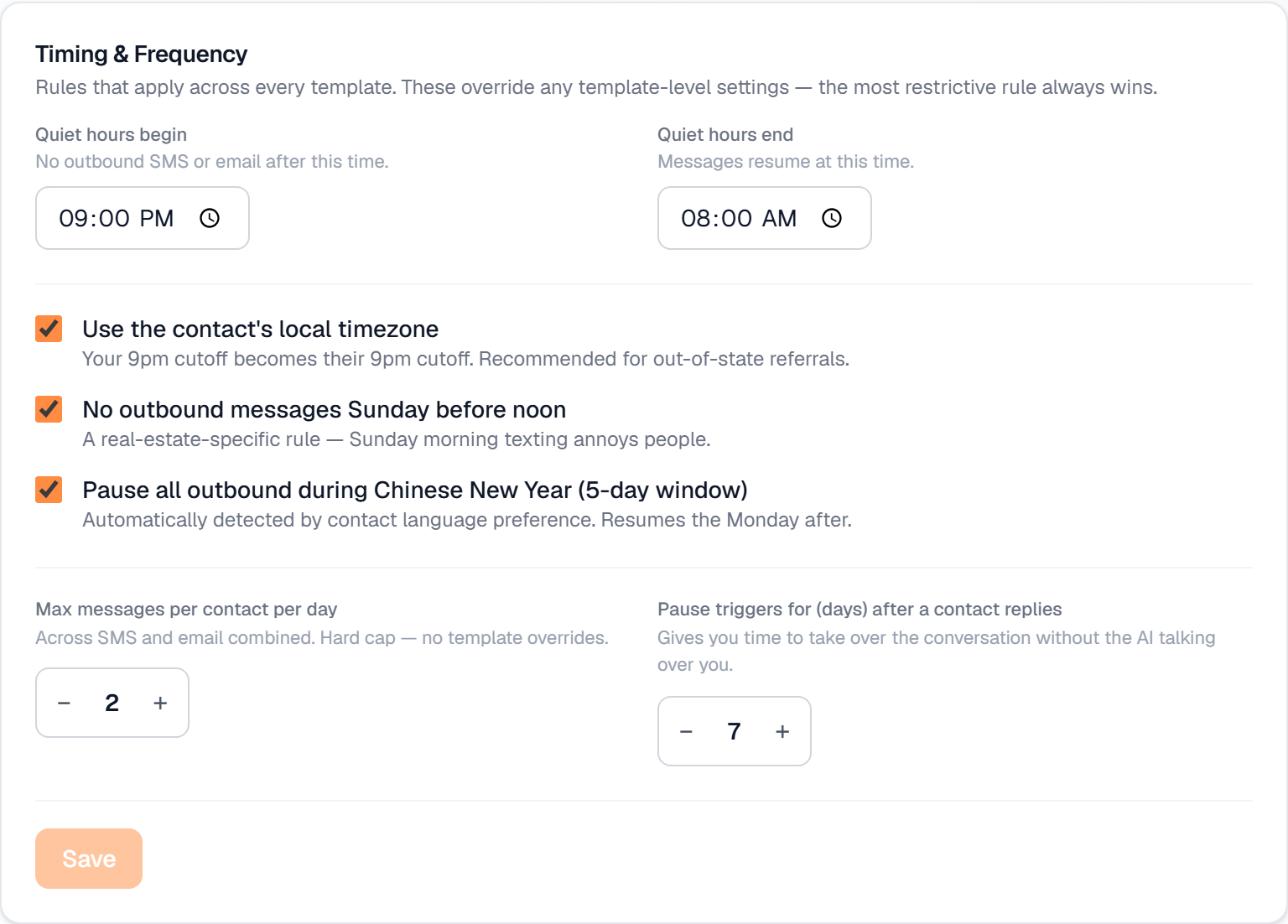
Open Settings → Messaging and find Timing & Frequency.
Set Quiet hours begin and Quiet hours end. No outbound SMS or email goes out between those times; queued messages resume at the end time.
Turn on Use the contact's local timezone if you work referrals or out-of-state buyers. Your 9pm cutoff becomes their 9pm cutoff rather than yours.
Leave No outbound messages Sunday before noon switched on unless you have a specific reason not to — Sunday-morning texting reliably annoys people.
Set Max messages per contact per day. It counts SMS and email combined, and it is a hard cap that no template can override.
Set Pause triggers for (days) after a contact replies. This stops automated sequences from talking over you once a real conversation has started.
Optional: turn on Pause all outbound during Chinese New Year if you serve Chinese-speaking clients. It is detected from each contact's language preference and resumes the Monday after the five-day window.
What it looks like
Related
Need help with something else? Browse all guides or email support.
