
3 min read
Schedule a specific week of social posts
Pick weekdays, then per day choose text / image / video, a time, the channels, and a topic the AI researches and publishes for you.
This is the hands-on alternative to autopilot: you choose the days and the topics, the AI does the research, the writing and the publishing.
The post format decides which networks can receive it, so pick the format before the channels.
Step by step
Open Settings → Channels and find Weekly post schedule.
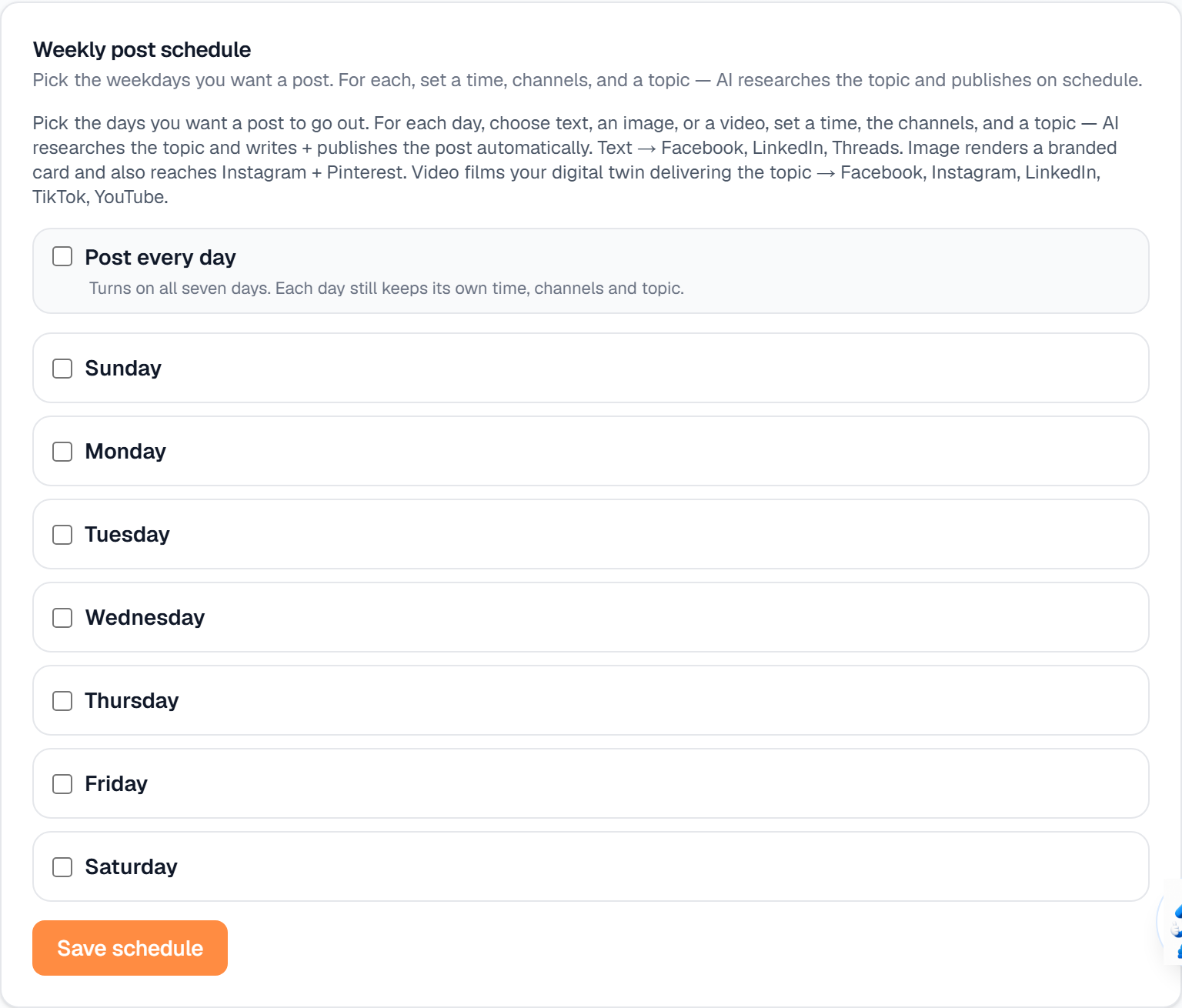
Pick the weekdays you want a post to go out on.
For each day, choose a format. Text reaches Facebook, LinkedIn and Threads. Image renders a branded card and also reaches Instagram and Pinterest. Video films your digital twin delivering the topic, and reaches Facebook, Instagram, LinkedIn, TikTok and YouTube.
Set the Time, the Channels and a Topic for that day. The AI researches the topic, writes the post and publishes it on schedule.
If you chose Video, set up your Digital Twin first — an intro video plus a cloned voice. Without it, that day will not post.
Save. Days you leave unselected simply do not post.
What it looks like
Related
Need help with something else? Browse all guides or email support.
