
1 min read
Switch the app to Chinese
Change the dashboard language, and set separately which language the AI writes to your contacts in.
There are two independent language settings, and mixing them up is a common source of confusion: one changes what you see, the other changes what your contacts receive.
Step by step
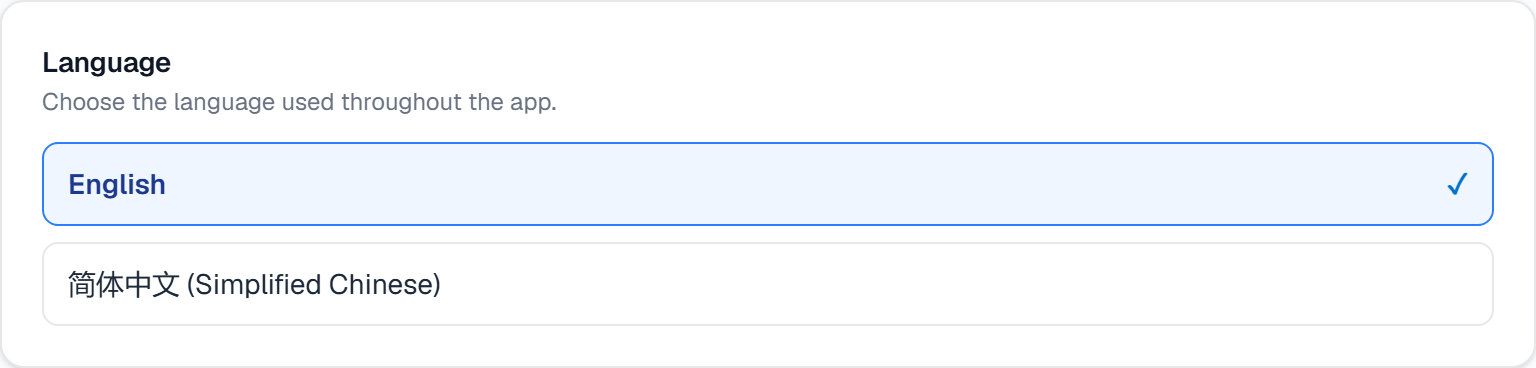
Open Settings → Account and find Language.
Pick your language. The dashboard switches immediately — this affects your interface only.
To change what the AI writes to contacts, use Default outbound language in the AI Assistant Style panel just below.
Choose Auto (match lead) to have the AI follow each contact's language. This setting only applies when a contact has no language preference of their own — you can override it per contact on the Contacts page.
What it looks like
Related
Need help with something else? Browse all guides or email support.
