
3 min read
Review Policy: decide what sends without you
The single most consequential setting in Messages — autosend, review every message, or pick per category.
Review Policy decides one thing: when a trigger fires, does the message go out, or does it wait for you? It applies to every template on every channel, so it is worth getting right before anything else.
There is no wrong answer, only a trade. Review is slower but nothing goes out in your name unread. Autosend is faster and is the whole point of automated follow-up — a lead answered in 60 seconds converts better than one answered in an hour.
Step by step
Open Settings → Messaging. Review Policy is the first card.
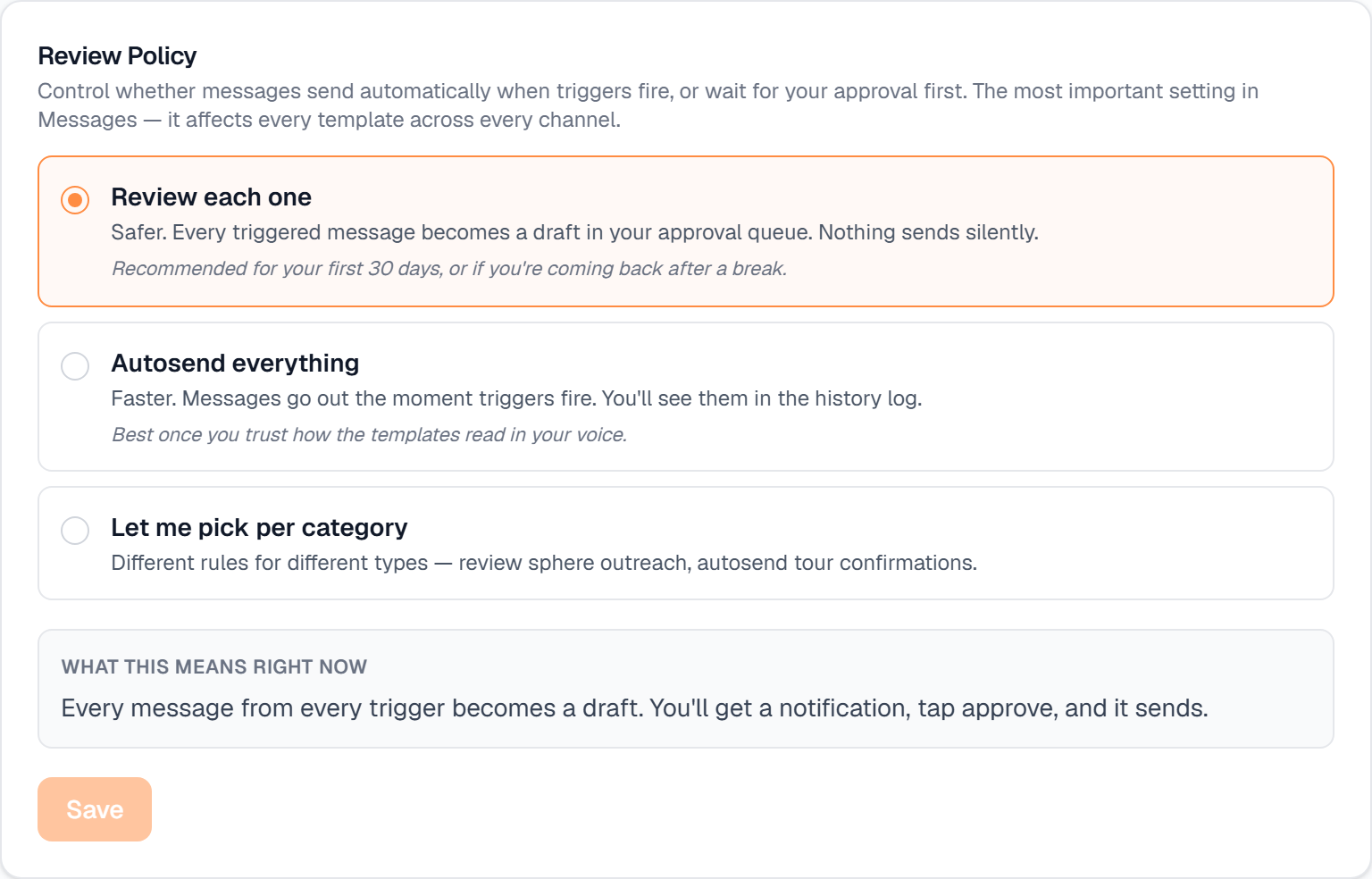
Review each one — every triggered message becomes a draft in your approval queue and nothing sends silently. This is the right choice for your first weeks, or coming back after a break.
Autosend everything — messages go out the moment triggers fire, and you see them in the history log. Choose this once you trust how the templates read in your voice.
Let me pick per category — different rules for different kinds of message. Review sphere outreach, autosend tour confirmations.
Read the “What this means right now” line before you save. It spells out, in plain words, what your current choice does.
Save. Note that for your first 30 days everything stays in review regardless of what you pick here — see the compliance guide.
What it looks like
Related
Need help with something else? Browse all guides or email support.
